
eTestamur - walkthrough
Client: MWT technologies
Objective
To create a clear, step-by-step walkthrough that demonstrates the platform’s full functionality and UI, helping users visualize the workflow before signing up.
What I've done
1. 2–3 min product walkthrough animation
2. UI-focused breakdown of:
- Dashboard overview
- Certificate generation workflow
- Search and approval steps
- Personalization options (branding, logos, design)
- Signature management (digital/online)
- Analytics and tracking
3. Voiceover scripting and sound design
4. Final exports in high-resolution video formats for web and demo use
Creative Process
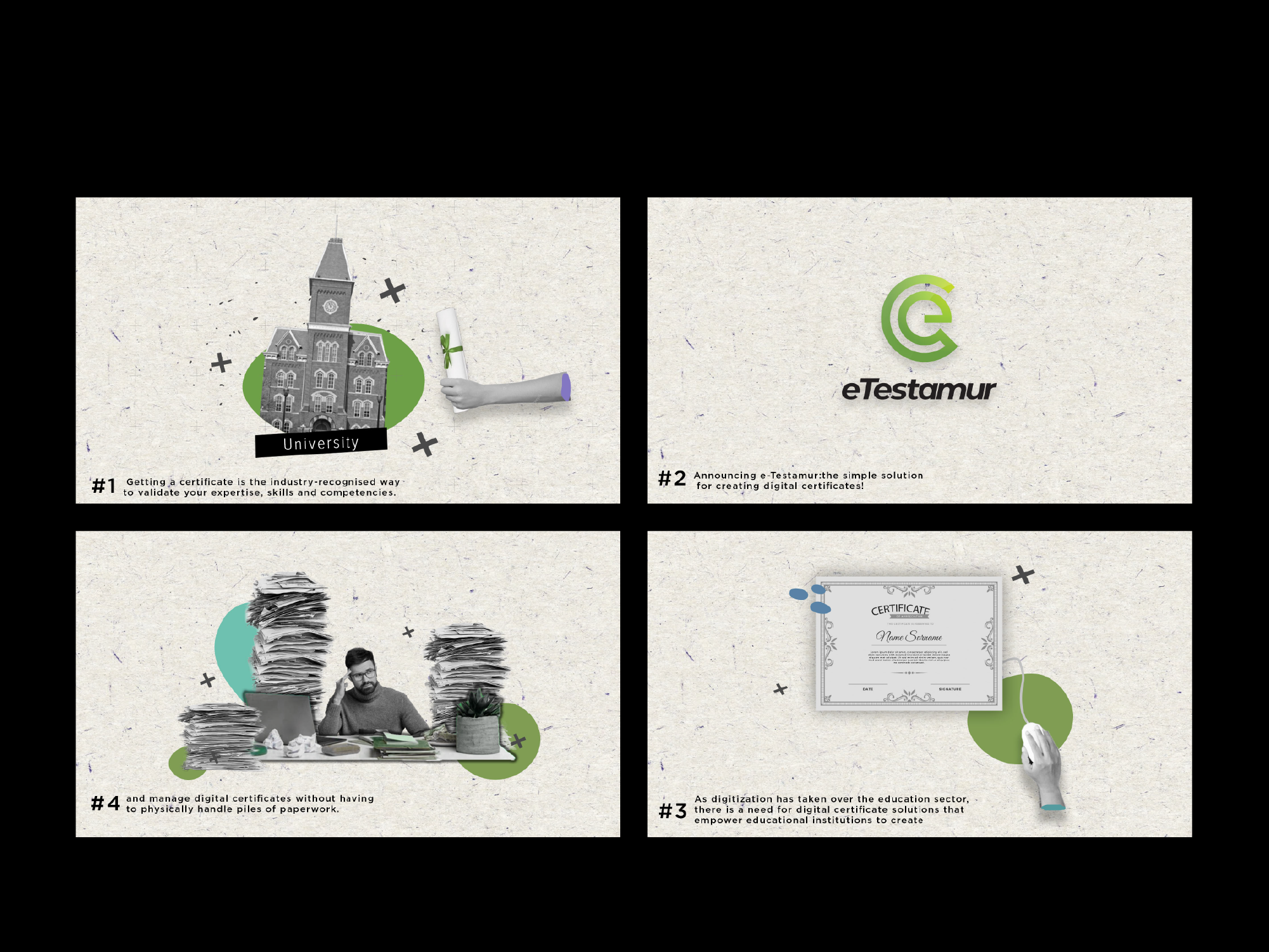
1. Storyboard & UX Mapping: Translated key platform actions into an intuitive visual journey, with logical flow and transitions.
2. Mockups & UI Simulation: Recreated product screens and user actions using UI assets and animation layering.
3. Voiceover & Sync: Wrote a concise, instructional voiceover paired with on-screen highlights and callouts.
4. Polish & Render: Ensured a balance between explanation and pacing, keeping visuals clean and voiceover unhurried.
5. Delivery: Exported clean MP4 and social versions in multiple aspect ratios.
Results
The walkthrough became a go-to resource for onboarding, demos, and product pitches—helping potential clients grasp the value and ease of eTestamur without needing a live session.
Conclusion
This video turned a complex process into something feelable and intuitive. It didn’t just tell users what eTestamur does—it showed them how simple it is to use.